Earlier this year, I landed a couple of podcast sponsors by writing their ads as catchy little poems and layering in music and sound effects. Then, I emailed them the finished result with a simple “Look what I made – would you like it played on the show?”
Technically, this was a cold outreach. But it was almost guaranteed to be heard, (hopefully) enjoyed, and considered.
But, it was also a lot of work. I didn’t use any generative AI in the process, and I spent time making a handful of ads that, ultimately, never got commissioned.
I’m opening with this example to highlight that it’s:
- still my favourite tactic for getting podcast sponsors
- but definitely not for everyone
- and to provide some alternative approaches
So in this guide, I want to cover how podcast ads work and what sponsors look for, before getting into the three routes you can take with Captivate: running your own sponsor deals, letting advertisers come to you through Marketplace, and switching on automated programmatic ads. You can use one or all three!
In this article...
How podcast advertising works
Before we get to how to get ads on your podcast, though, we need to get clued up on the lingo.
Dynamic vs baked-in ads
A “baked-in” ad is a segment that’s recorded into the episode itself and will always be there. Dynamic ads, on the other hand, are separate clips inserted into your episodes, and their content depends on the advertiser you’re working with right now. Dynamic insertion lets you run up-to-date ads across your entire back catalogue. By contrast, you might have hundreds of old episodes with baked-in ads from former sponsors who no longer pay you.
Pre-roll, mid-roll and post-roll
These are ad placement terms. A pre-roll ad plays before the main episode starts, a mid-roll plays somewhere in the middle, and a post-roll plays after the episode ends.

As you can probably imagine, mid-roll is the most effective and most valuable slot. Post-roll is considered the least effective, but that typically means slots can be bought a lot cheaper.
How ads are paid for (CPM and impressions vs flat fees)
CPM stands for “cost per mille”, which is Latin-ish for “per thousand” (I used to think it meant cost per meal!). It’s a set amount an advertiser pays for every 1,000 downloads or impressions. So if a sponsor agrees a $10 CPM and your episode gets 2,000 downloads, you’d earn $20 from that ad.
Your own rate will depend on things like your audience size, your niche, where your listeners are and how the ad is sold. Direct deals with sponsors usually pay more per thousand than automated programmatic ads, which tend to sit lower because the ads are matched and sold at scale.
But the thing about CPM is, most podcasts don’t get anywhere near 1000 downloads per episode, let alone 2000. CPM works fine for big audiences, but for small, super-niche shows, agreeing on a flat fee makes much more sense. Here, a podcaster might say, “I speak to the equivalent of a room full of your target audience every week” and ask for anything upwards of $50 per episode from relevant advertisers.
No approach is right or wrong; it all comes down to best fit.
- A large audience and broad topic is more suited to CPM-based sponsorship
- A small niche audience is more suited to bespoke flat-fee relationships
What sponsors look for in a podcast
Companies or brands that are already used to sponsoring podcasts will largely look at three factors when it comes to making a decision:
Niche and audience clarity
A potential sponsor will want to know what your podcast is about and who it reaches. They’ll be weighing up, “Does this topic and audience line up with our own target customer?”
Downloads and consistency
It’s understandable that any potential sponsor will want to know how big your audience is and how often you publish new episodes.
On the numbers front, niche podcasters looking to arrange flat-fee deals should beware of getting drawn into CPM-driven negotiations. You might present your numbers to potential sponsors, but be clear that it’s access you’re selling, not reach.
Still, your download numbers can show that an audience is turning up each episode. IAB-certified downloads (like what you get if you host on Captivate) are the Gold Standard of podcast measurement, and they can help prove your numbers are genuine.
At Captivate, we give you unique listener numbers. A unique listener is someone who downloads your podcast from the same device and IP address within the selected timeframe. This helps estimate your real audience size, in line with IAB guidelines.
Engagement, retention, and listen time metrics can add a little more colour to your download stats, too. You can find these in various forms in Apple Podcasts Connect, Spotify for Creators, YouTube Studio, and the Captivate web player.
Beyond the numbers, consistency is also a big factor for potential sponsors. If your release schedule is erratic with large gaps between episodes, they might prefer to work with a creator with a more predictable output. If your schedule doesn’t follow a regular cadence (as an audio drama creator, I sympathise!), then be sure to explain that to potential sponsors up front.
Audience location and demographics
It’s less common for potential sponsors to ask for a breakdown of your audience location or demographics. But there are a few situations where this might matter.
For example, if the advertiser is a brick-and-mortar business with a presence in one specific region, it’ll make sense for them to advertise to people who live there. Or, if a company designs a product aimed at men over 50, that’s naturally the demographic they will want to reach.
While you can get great location stats from a hosting provider like Captivate, audience demographic stats are only available via consumption platforms like Spotify and YouTube. These won’t give you the full picture, but they can offer a decent sample. And if you want an even bigger picture of your demographics, the best approach is to run an audience survey and ask them directly.
How to Get Ads on Your Podcast
Hopefully this is all starting to make sense for you, and now seems like a good time to move on to how to get ads on your podcast.
If you host on Captivate, there are three main routes.

My colleague Danny walked me through them recently, and I was massively impressed…
Route 1: Find and negotiate your own sponsors
If you’d like to work one-to-one with brands, Captivate Campaigns is where you set everything up.
Finding and agreeing deals
One thing to be clear about: when you strike a deal directly, the payment side stays outside Captivate. You’ll invoice your sponsor yourself, as you normally do. Captivate handles the ad delivery, not the money.
Setting up your campaign

Once the deal is agreed, it takes a few minutes to get it live:
- Upload your audio to the Ad Content Library. Captivate converts both your episode catalogue and ad audio to 128kbps so they play properly together. You don’t need to worry about matching file settings.
- Create a campaign. Give it a name and, if you like, a description.
- Choose your dates. Set a start date and an optional end date. A month-long sponsorship, for example, would run from the 1st to the 31st.
- Add targeting rules. If your sponsor only wants UK listeners, or only US listeners, you can set that here. Otherwise, it goes out to everyone.
- Pick where it plays. Choose which episodes the campaign covers. You’ll probably want your standard episodes, not your trailers or bonus content, and you can decide whether it should include future episodes too.
- Add your audio. Drag and drop a new file, or pick one you’ve already uploaded to your library.
- Set a max impressions cap if you need one. If you’ve agreed 10,000 impressions, the ad stops playing once it hits 10,000, so you never give away more than you promised.
- Publish. Your campaign goes live on the date you’ve chosen.

Choosing exactly where the ad plays
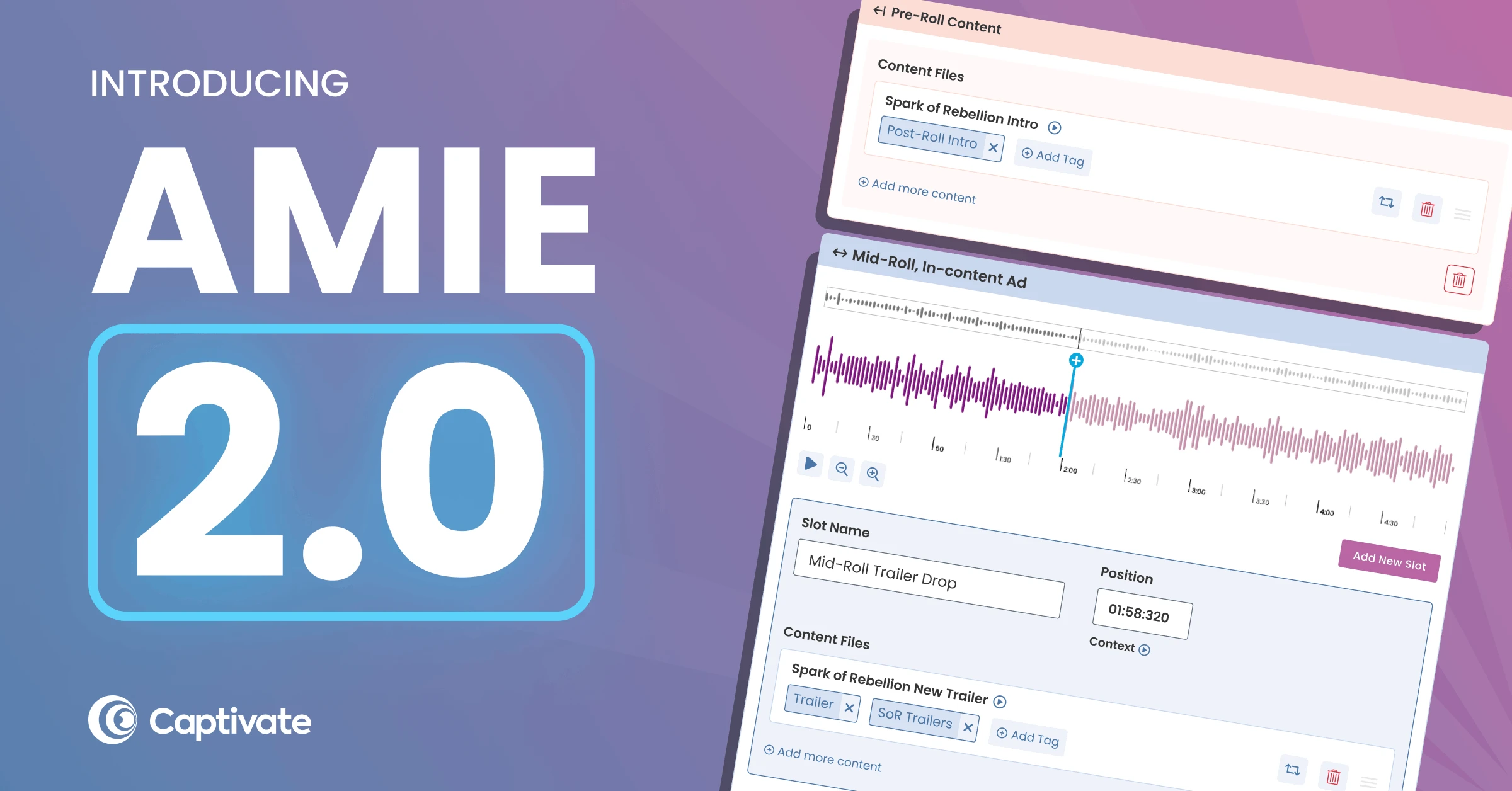
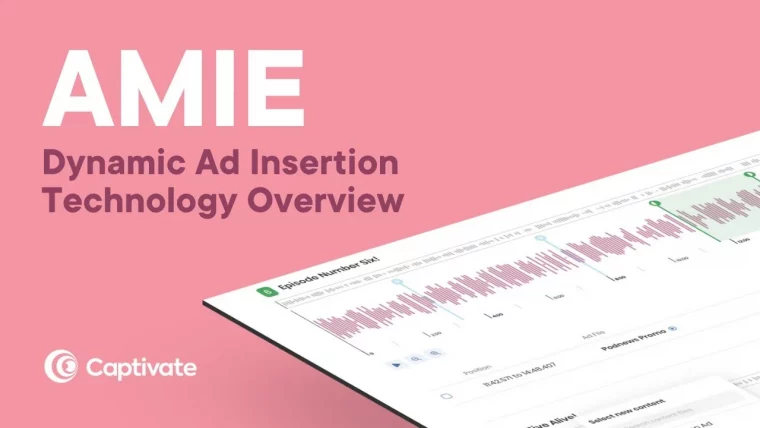
You can add a slot at a specific moment in the episode by typing in the timestamp.

If you’d like the ad to play at 5:02 rather than 10:16, type it in, and the marker moves on the timeline.
Priority order and extra slots
If you already have ads running, new campaigns appear in your campaign management area, where you can drag and drop them into the order you’d like. Want your new sponsor to play before everything else? Drag them to the top and save the priority order.
A quick tip: if you have only one mid-roll slot set up and want your new sponsor to play alongside your existing mid-roll, not replace it, head to the bulk ad editor.

From there, you can select all your mid-rolls and increase the number of slots across every episode in one go, so you don’t have to edit each episode by hand.
Route 2: Let advertisers come to you with Captivate Marketplace
Marketplace is a good fit if you’d like sponsors without doing all the outreach yourself. Here, you enrol your podcast, and advertisers can browse available shows, including your niche, categories, audience avatar, download headlines, and top countries.

How offers work
If an advertiser likes what they see, they send you an offer. It sets out the details: who the advertiser is, the budget, the number of impressions, the position, the dates, the URL and the call to action.

From there, you can chat back and forth directly in the offer until you’re both happy. Say an advertiser offers to buy the whole of October for 10,000 impressions. You might counter with 15,000 impressions for a little more money. Ping that back, keep going until you agree, then accept the offer.
What happens once you accept
The campaign runs automatically on the agreed dates and tracks the impressions for you. In your campaigns list, campaigns that came from an offer carry a little handshake icon, so you can tell at a glance which are your own and which came through Marketplace.
There’s also built-in protection for advertisers. If the agreed impressions aren’t delivered by the end of the campaign, the advertiser is refunded for the shortfall, which helps build trust on both sides.
Route 3: Programmatic ads
Programmatic is the automated route. Advertisers working with Captivate through DAX can match their ads to your podcast, and you don’t need to negotiate or set up each ad.

Choosing where programmatic ads play
You decide which slots allow them. You might allow programmatic ads in the post-roll only, and keep your pre-roll and mid-roll for your own sponsors. Or you might open up your mid-rolls too. You can set this differently for each podcast you run. Here’s our help guide on how to choose ad slots and ads to place in them, which lays out the process for Captivate users.
Staying in control with category blocking
Podcasters are naturally wary of programmatic ads because, in theory, you could have meat ads on vegan shows, alcohol ads on recovery podcasts, etc. However, with Captivate, you keep full control over what plays to your audience, even though the ads arrive automatically. You can block advertiser categories, and any advertiser in those categories won’t appear on your show.
To make this quicker, there are one-click category groups for the most commonly requested settings: child-safe, family-friendly, and faith-friendly.

You can also search for a specific category and add it to your blocked list manually.
Programmatic alongside your own deals
The beauty is that you don’t have to pick one route. Danny’s own shows are a good example: one episode might have your own promo up front, a campaign in the middle and programmatic ads at the end. You can mix and match to suit each show.
Which podcast ad route is right for you?
| Campaigns (your own sponsors) | Marketplace | Programmatic | |
| Effort | Highest: you find and manage sponsors | Medium: you enrol and negotiate offers | Lowest: automated |
| Control | Full control over who and when | You accept, counter or decline each offer | You control slots and blocked categories |
| Who arranges the deal | You | Advertiser and you, via offers | Automated |
| Payment | Handled by you outside Captivate | Direct from Captivate via Stripe | Direct from Captivate via Stripe |
| Best for | Niche shows with brands you already know | Shows that want sponsors without the outreach | Shows that want ads running without the admin |
Tips for getting your first ad
A brilliant tool to get you started is Captivate’s one-click media kit.

This automatically presents your show’s target audience and IAB-certified numbers for any potential sponsor. Other than that, you’ll want to…
- Show sponsors exactly who you speak to and why they listen
- Start small by creating an ad promoting something of your own
- Stay ready to work with sponsors with an up-to-date description and consistent release schedule
- Protect the listeners’ experience with category blocking, impression caps, and limits on ads-per-episode
- Create a shortlist of companies who’d be a good fit to advertise on your show – reach out to one per week.
And as I mentioned at the start, creating engaging, ear-catching ads and using those as your outreach is a lot of work with no guaranteed payoff, but in my own experience, it has a decent success rate.
How to get ads on your Podcast: FAQs
How many downloads do I need to get ads?
It used to be that you needed tens of thousands of downloads to earn anything worthwhile. That’s still roughly true if you’re selling on CPM, where advertisers pay per thousand downloads. But a smaller show with a highly targeted audience can still land sponsors, often on a flat fee, because the advertiser is paying to reach the right listeners rather than the most listeners.
Can I use programmatic and direct sponsors together?
Yes. You can run your own campaigns and programmatic ads on the same episode, and choose which slots each one can use.
Do I need to invoice sponsors myself?
Only for deals you arrange directly outside of Captivate Marketplace. In those instances, Campaigns handles the ad delivery, but payment stays between you and your sponsor.
Can I limit how many times a sponsor’s ad plays?
Yes. Set a max impressions cap on the campaign, and it stops playing once the number is reached.
Ready to get started with podcast ads?
Whether you’d like to sign up your own sponsors, let advertisers find you, or let automated ads do the legwork, Captivate gives you all three in one place. If you like the sound of that, our support team can help you migrate effortlessly over from your current host without any disruption to your audience. And if you’re still in the pre-launch phase, we have everything you need to get your show off the ground, too!